











Discover the convenience of Edenred’s commuter benefits card
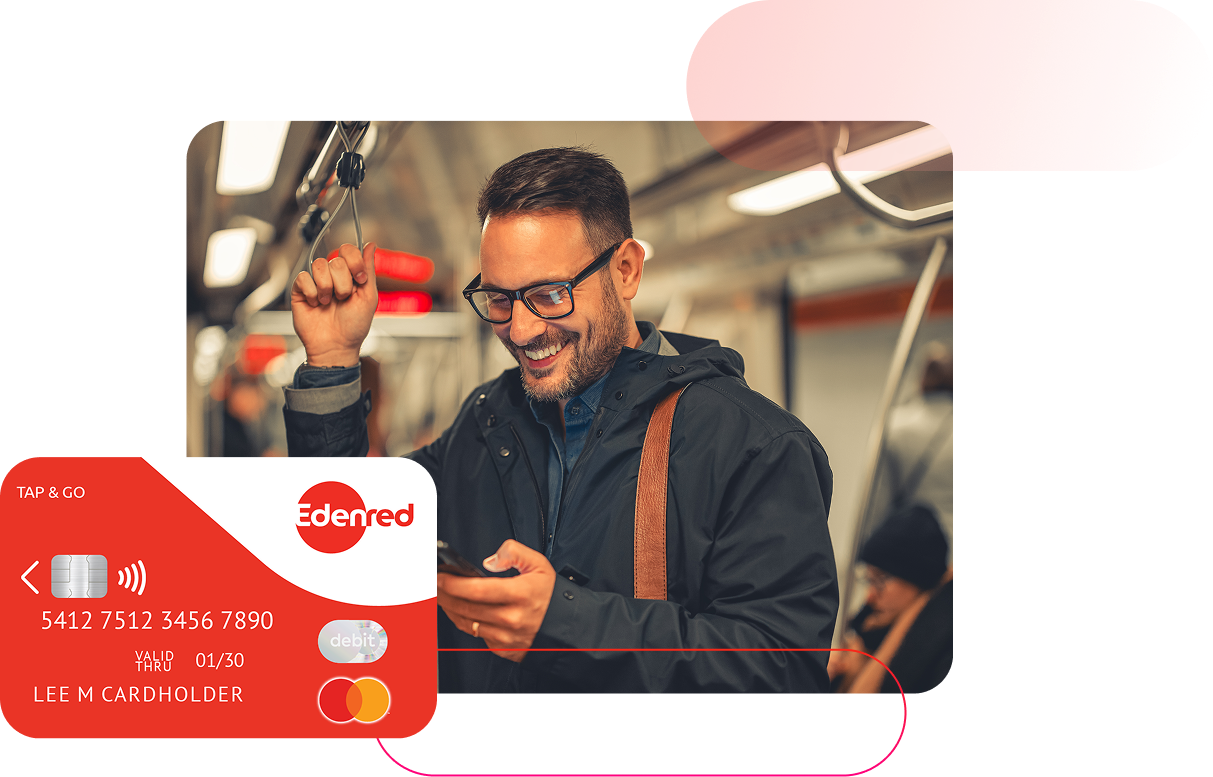
A convenient, reloadable card, the Edenred Benefits Prepaid Mastercard® allows employees to pay for qualified transit, parking, ride share or micromobility expenses at any compliant location.
Key features
Mobile Wallet
The card can be added to Apple Pay, Google Pay and Samsung Pay for convenient payments

Tap & Go
Allows users to make contactless payments by tapping their card at a terminal
Chip Technology
Features enhanced security for your employees’ card transactions
Effortless card management
-
Employees' cards are funded monthly, with any unused balance rolling over to the following month – a great option for hybrid workers.
-
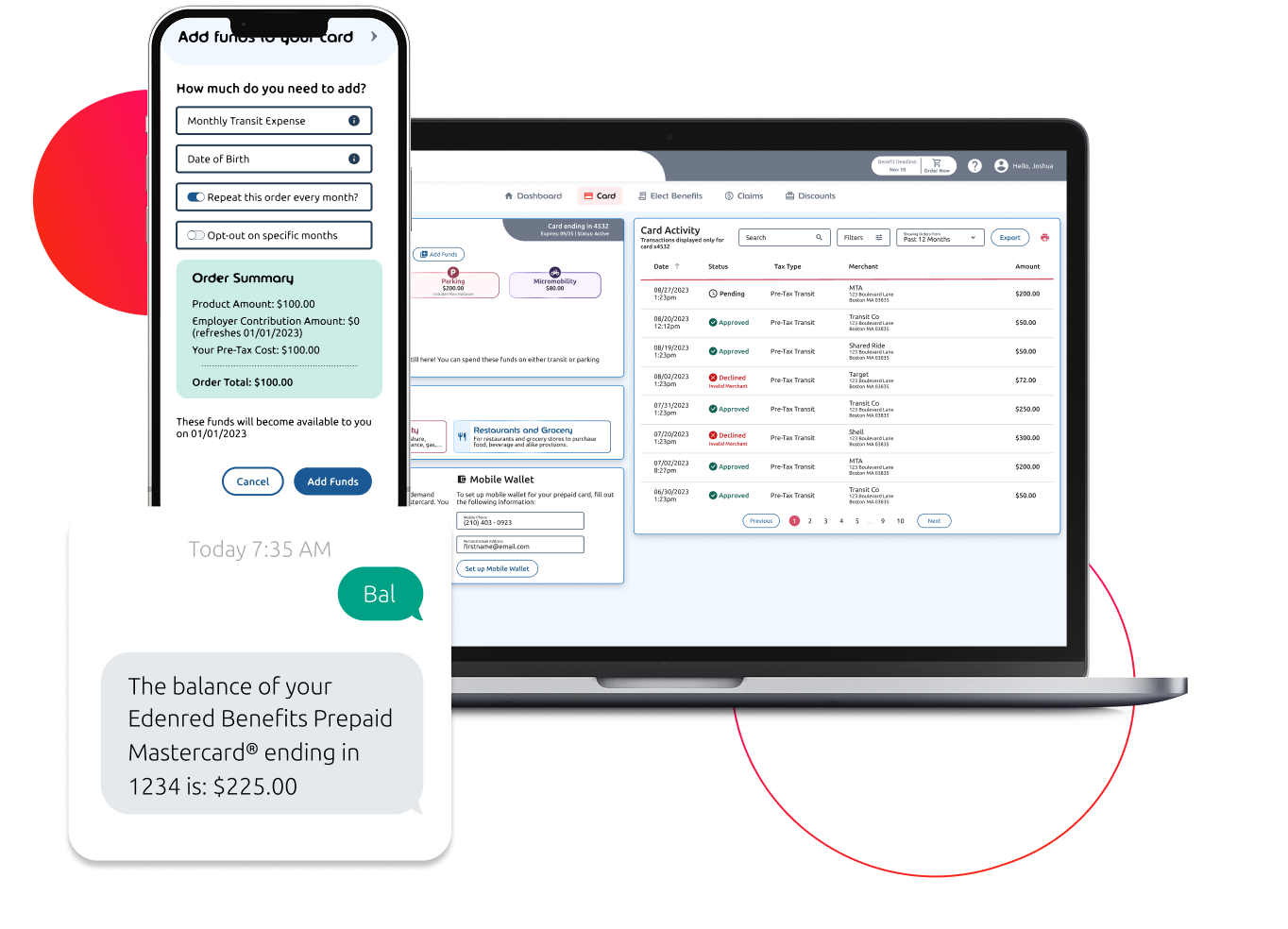
Card management is available through the commuter benefits online portal or mobile app.
-
Easily monitor spending, reload funds and review transaction history.
-
The “On Demand Texting” feature ensures employees get their card balance via SMS, anytime, anywhere.
Frequently asked questions
Where can the Edenred Benefits Prepaid Mastercard be used?
The Edenred Benefits Prepaid Mastercard can be used to pay for transit and parking at transit agencies, fare vending machines, designated transit retail centers where transit products are sold and at qualified parking facilities. At this time, the card is not accepted at WMATA or DC Baltimore.
How can I add features like mobile wallet for my employees?
For added convenience, we offer optional features like mobile wallet, tap & go payments and EMV Chip technology. When setting up your account, you can check these features off in your admin portal. If you would like to add these features to an existing card, please talk to your Customer Success Manager.
How do employees activate their card?
Employees can activate their cards in one of two ways:
-
Online: www.card.edenredbenefits.com
-
Through the Edenred Benefits mobile app
How do employees check their card balance?
Employees can check their card balance in one of two ways:
-
Through their commuter benefits online portal or mobile app, card balances are displayed on the dashboard
-
By signing up for “On-Demand Texting” on the Card page of their commuter benefits online portal or mobile app
How do employees set up mobile wallet?
Employees can set up mobile wallet by:
-
Logging into their commuter benefits account and going to the Card page
-
Once on the card page, they will navigate to the Mobile Wallet section and enter their information
-
Next, they will go to their mobile device and add their Edenred card to their smartphone’s mobile wallet, according to the instructions for their specific device
Learn more about offering Edenred Benefits to your team.
The Edenred Benefits Prepaid Mastercard is issued by The Bancorp Bank, N.A., pursuant to license by Mastercard International Incorporated and may not be used everywhere Debit Mastercard is accepted. The Bancorp Bank, N.A.; Member FDIC. Mastercard and the circles design are registered trademarks of Mastercard International Incorporated. No cash or ATM access.